


RESOURCES / BLOG / GROWTH & ANALYTICS
Do Instagram Hashtags Still Work? Realistic Expectations
Contents
What to expect from a hashtag, and what not to
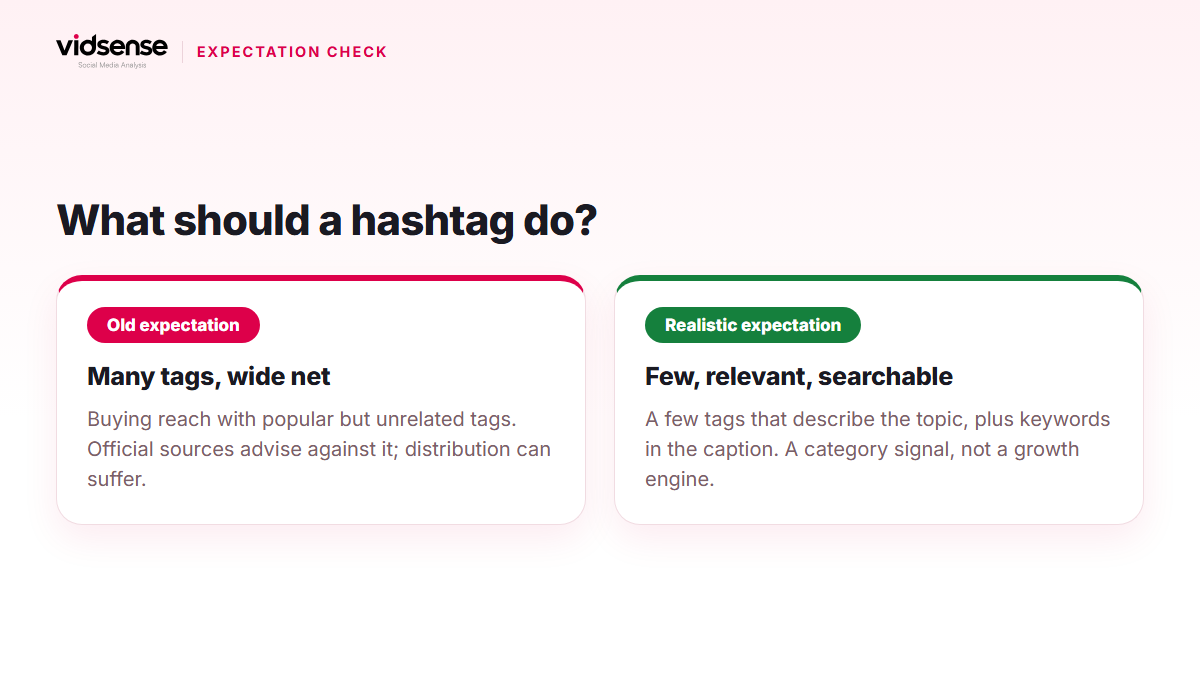
Two extreme views circulate about hashtags: "add thirty and the reach will come," and "hashtags are dead." Instagram's official statements support neither. Today a hashtag is a category and search signal, not a distribution engine on its own.
Here is what the official sources say:
- The creators FAQ: trending hashtags that are relevant to the topics in your reel can help you reach people interested in those topics. Trying to game the system with irrelevant hashtags shows your content to people who aren't interested, and engagement, and therefore distribution, may suffer.
- The reach tips (creators.instagram.com): include relevant keywords in your content, caption, bio and hashtags.
- The search explainer (about.instagram.com, 2021): search matches what you type against usernames, bios, captions, hashtags and places, and for a post to be found in Search, keywords and hashtags belong in the caption, not the comments.
So a hashtag is a supporting signal that works alongside the keywords in your caption. If the caption already describes the topic, hashtags reinforce it; if it doesn't, hashtags won't fill the gap.
How ranking works on a hashtag page
According to the Help Center, the order of posts in hashtag search results depends on factors that may include when the post was shared, how others engage with it, and whether the content meets the Recommendation Guidelines. Two conclusions follow: a hashtag won't carry a weak post to the top of the page, and for an account that isn't eligible for recommendations, hashtags won't help either.
How many hashtags?
At the time of writing, the current version of the Instagram Help Center says you can use up to 5 tags on a post, and that a comment with more than that won't be posted. Meta's developer documentation still mentions a 30-hashtag limit for captions; the limit has changed over time, and what you see in the app is what counts. The practical rule is independent of the cap: a small number of tags that describe what the content is about. There is no official "this many is best" figure; the official sources talk about relevance, not quantity.
Choosing hashtags
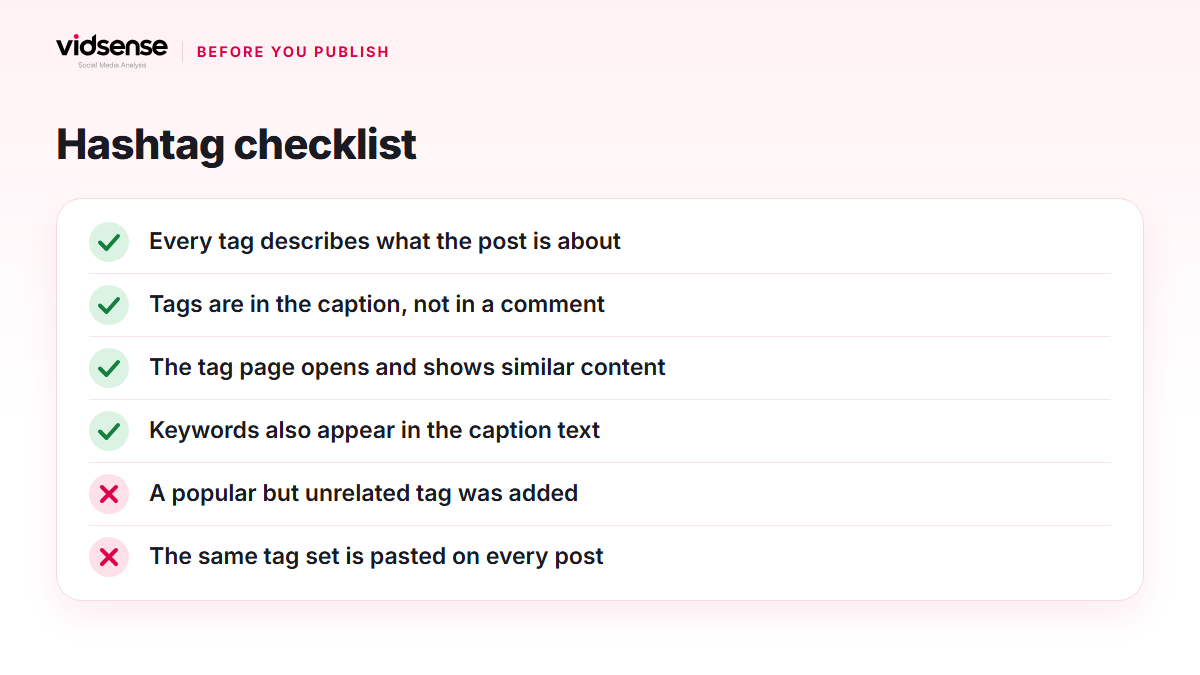
- Describe the topic at three levels: broad category, sub-topic and specific niche. Example only: photography, street photography, black and white street.
- Open the hashtag page and look: is it active, and does it resemble your content? A tag full of unrelated posts won't bring you the right audience.
- Put hashtags in the caption; that is the official advice for being found in search.
- Don't paste the same tag set onto every post; if each post has a different topic, its tags should differ too.
- If you have a brand hashtag, use it consistently so your community can find the content.
Banned or restricted hashtags
The Help Center says hashtags may become unsearchable if the text of the tag or the content associated with it consistently violates the Terms of Use or Community Standards. Instagram reviews these periodically and may make a hashtag searchable again. Posts can also be removed from search results if a hashtag is being used to share content that goes against the Community Standards. Even an innocent-looking tag may be in that state, so search for it in the app before publishing and confirm the results page opens. Instagram does not publish a list of restricted hashtags; third-party "banned hashtag lists" are not official.
A realistic expectation
What to expect from hashtags is placement in the right category and findability in search. The official sources promise nothing beyond that. What actually drives a post's reach is the opening, engagement per viewer and recommendation eligibility; put hashtags alongside those, not in place of them. If you changed a tag set and saw no big difference in reach, that isn't an anomaly; it's the expected result.
Check it with VidSense
VidSense scans your caption before you publish and flags risky phrasing; it's also the moment to review whether your hashtags match the topic and whether the keywords appear in the caption itself. Create a free account and scan your caption in the text check; on the free plan the text check has a daily limit.
Source: using hashtags at help.instagram.com, how hashtag search results are ordered at help.instagram.com, unsearchable hashtags at help.instagram.com, how search works at about.instagram.com, the creators FAQ at creators.instagram.com, and reach tips at creators.instagram.com.
Contents
Check your content before you post it.
Use Content Check to see potential risk signals before you publish.
Check your content →Keep reading
Growth & Analytics · 5 min read
Saves and Shares: Two Signals Stronger Than a Like
A save or a share carries a different intent than a like. This guide covers what Instagram has officially said about these signals, how to measure them per reach, and how to design posts people want to save and send.
October 10, 2026
Growth & Analytics · 4 min read
Posting Time and Consistency: Building Your Own Rhythm
A consistent posting rhythm matters more than finding a perfect hour. This guide shows how to test and build a sustainable schedule using your own data.
October 6, 2026
Growth & Analytics · 4 min read
How to Calculate Your Instagram Engagement Rate
Engagement rate can be calculated against followers or reach. This guide covers both methods, what affects the number, and what it does and doesn't reveal about your content.
September 30, 2026